Do you need a Mottle Game download?
No download is needed to play the Mottle — Hide & Seek browser game embedded above. Press Play Mottle Game on the cover, wait for the player to load in the same space, and start playing. Play Mottle does not provide an installer, an Android APK, an iPhone app or a desktop download. The game runs from the 8x.gg platform inside your browser.
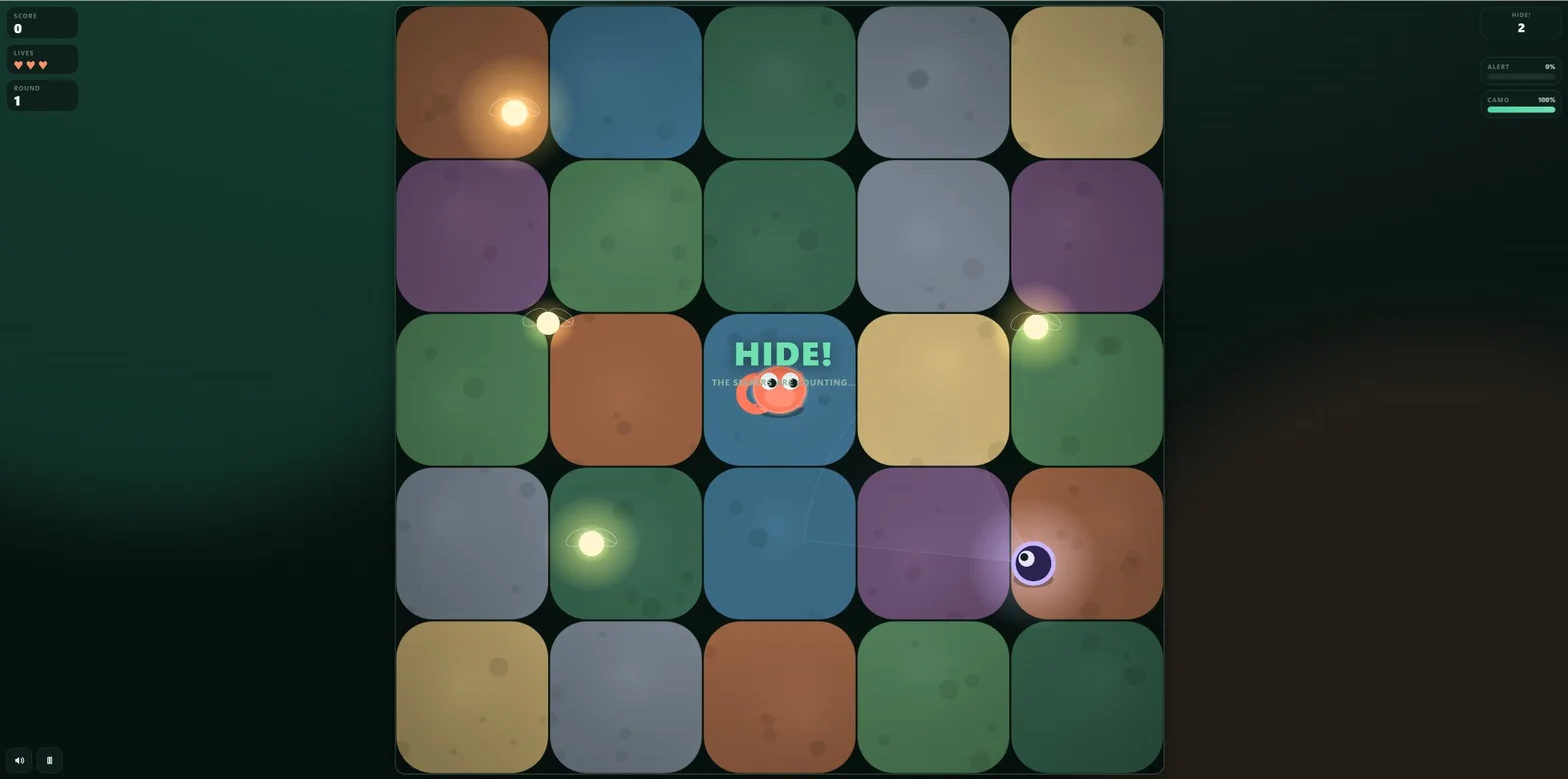
This page is for the camouflage hide-and-seek game: move a small creature across coloured tiles, then stop to blend into the ground as Seekers pass. If a search result describes a motel-management simulator, a word puzzle or a different game with a similar name, its download is not automatically a version of this one. Compare the actual game and its publisher before assuming that two results belong together.
Is there an official Mottle Game app or APK?
We have not verified an official standalone app or APK for this version of Mottle — Hide & Seek. That does not establish that no app could exist; it means we cannot recommend an installer as official. The release we link to is Mottle — Hide & Seek on 8x.gg, which is also the source of the player on this site.
An APK is an Android installation file. You do not need one to use the browser player here, and none of the Play buttons on this page downloads one. Play Mottle is an independent fan page, not the game's developer or an app distributor. We cannot authenticate an unrelated package just because its filename, icon or listing contains the word Mottle.
If you specifically want an installed app, start with the developer's own published links and check that the publisher and gameplay match. We do not list a substitute download when we cannot verify that connection. See About Play Mottle for the distinction between this fan site and the game it embeds.
Is a Mottle APK from a search result safe?
We have not inspected or tested third-party APK files, so we cannot call one safe or unsafe from its name alone. A search ranking, a familiar screenshot or a label saying “official” is not enough to verify who built a package. Check the source, publisher identity and requested permissions before deciding whether to install anything.
For this game, the direct alternative is simple: keep using the browser player. If a supposed download asks you to disable device protections, install an unrelated application or give it permissions you do not understand, stop and verify it with the publisher first. There is no installation step in the Play Mottle browser flow, and this site does not ask you to accept an APK to start a round.
How to play without installing anything
- Open this page in your browser with an internet connection.
- Press Play Mottle Game on the cover above. The loading animation and the game appear in that same player area.
- Once the game's own start screen appears, start a run there.
- Drag to move and release to blend into a tile. On a keyboard, use the arrow keys or WASD and release them to stop.
- Use the Fullscreen control under the player if you want more room; availability depends on your browser and device.
On an Android phone or tablet, the browser route avoids downloading an APK. On an iPhone or iPad, it avoids looking for a separate App Store listing. You can bookmark this page to return to it, but a bookmark is only a shortcut to a website, not an offline installation. For controls, scoring and the Camo and Alert meters, read how to play Mottle Game.
Can you play Mottle Game offline?
Plan on needing an internet connection to open the page and load the game. We do not offer an offline build or a supported offline mode, and we have not verified that a cached copy will reliably start without a connection. Do not treat a successful online session as proof that the game will launch in airplane mode later.
The best-score record saved in your browser is separate from offline availability. Keeping a local score does not mean that every game file needed to start another session has been saved for offline use. Clearing browser data can remove the saved best score. We do not promise that an interrupted run will resume after closing the tab.
What if the browser player will not load?
A stalled player does not mean you need a download. Try reloading the page and pressing Play again. If the error panel appears, use Try again. You can also use the permanent Open Mottle — Hide & Seek in a new tab link directly below the player, including when the embedded page shows its own error instead of a loading animation.
The game is delivered by another platform, so its availability and your connection to that platform affect whether it starts. Opening the original page can help distinguish an embedding problem from a problem reaching the source, but it is not a guarantee that the service is available. For other questions, visit the Mottle Game FAQ, or return to the Mottle Game home page.